
Master the rhythm of price action with precision time analysis
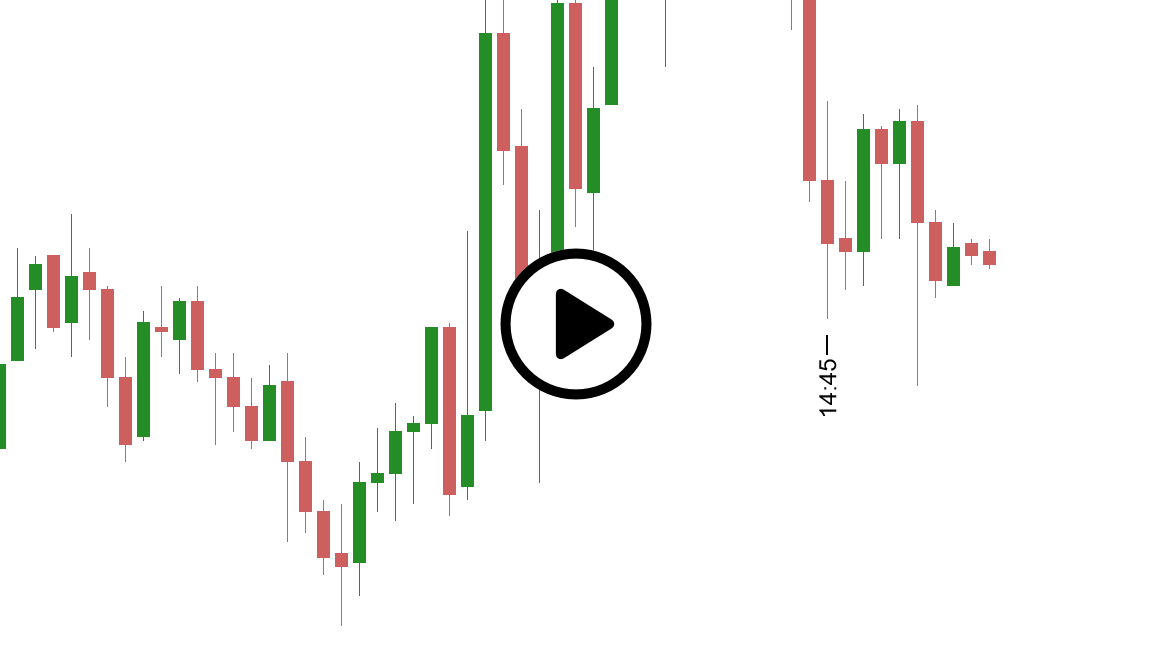
Time Markers transforms how you analyze price movements by letting you instantly mark and annotate critical moments on your charts. Whether you’re studying market waves, analyzing session transitions, or documenting key price levels, this essential drawing tool gives you the temporal context needed for smarter trading decisions.
Why traders choose Time Markers
Effortless time annotation
Simply click anywhere on your chart to place a customizable time marker. No complex menus, no interrupting your analysis—just instant, precise time labeling exactly where you need it.


Analyze wave patterns like a pro
Understanding the timing and rhythm of price waves is crucial for swing traders and technical analysts. Time Markers helps you visualize the temporal structure of market movements, making it easier to identify cycles, measure wave duration, and spot recurring patterns.
Flexible time display options
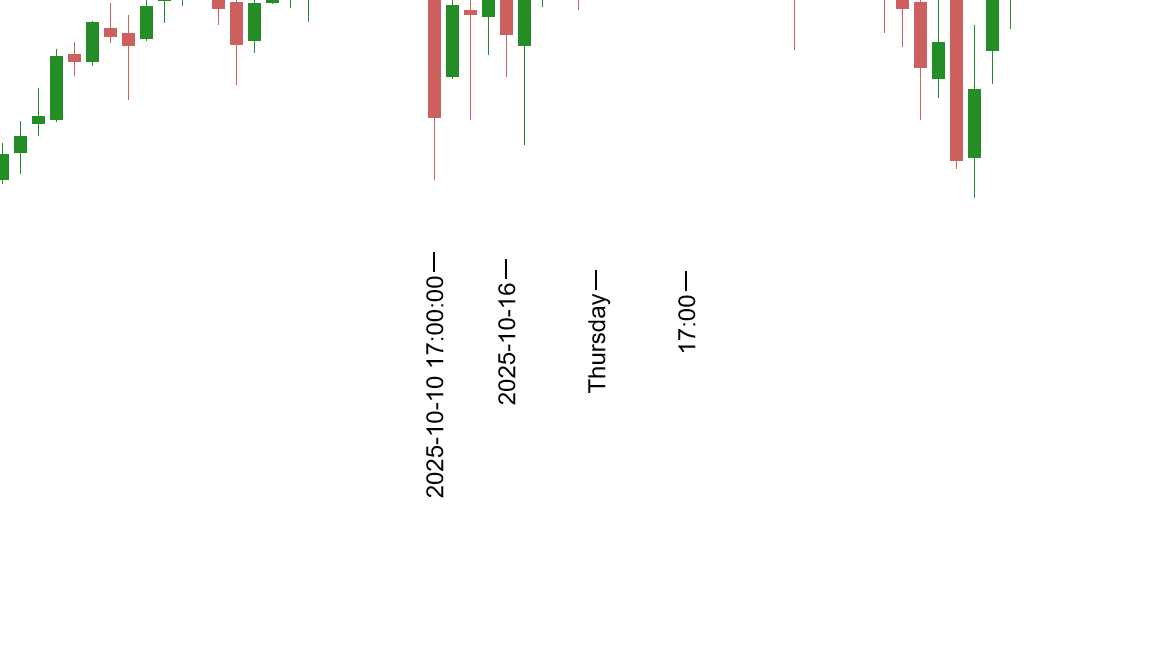
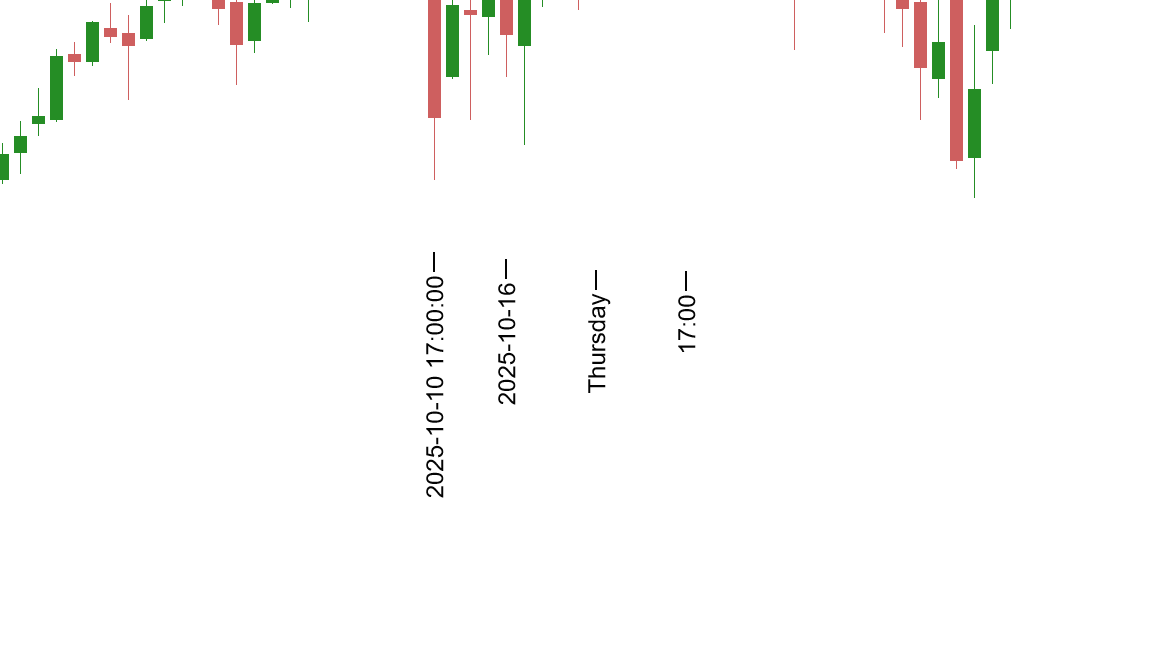
Every trader has different needs. Customize your markers to display:
- Full date/time stamps for detailed documentation
- Isolated date or time components for cleaner charts
- Week numbers for longer-term cycle analysis
- Day of week to identify weekday patterns
- Day of year for seasonal trading strategies
- Flexible time formats (HH, HH:MM, or HH:MM:SS)
Complete visual control
- Customizable colors to match your charting style
- Adjustable font styles for optimal readability
- Vertical alignment options (above, below, or automatic)
- Professional appearance that integrates seamlessly with NinjaTrader 8
Smart timeframe-based visibility
Keep your charts clean and organized. Set markers to appear only on specific timeframes—perfect for multi-timeframe analysis without visual clutter.
Perfect for…
- Scalpers documenting the timing of quick setups and rapid price moves
- Swing Traders analyzing multi-day patterns and wave structures
- Day Traders marking session opens, closes, and key intraday levels
- Pattern Recognition specialists studying timing relationships
- Chart Documentation for trade reviews and strategy refinement
- Education & Collaboration when teaching strategies or sharing chart analysis
Precision timing turns good setups into great trades
The difference between a winning trade and a losing one often comes down to timing. Time Markers helps you capture and analyze the exact timing of price movements, so you can refine your entries, perfect your exits, and build a timing edge that compounds over time.
Want to explore all the features in detail?
Our comprehensive user guide covers setup, advanced functionality, and pro tips. View the user guide
Time Markers
Drawing tool for NinjaTrader 8.
Lifetime License.
Pay once, use forever on 1 computer.
Free updates for 1 year.
30-day money-back guarantee.
Compatible with NinjaTrader 8 desktop version 8.1.2.0 or later.
Not compatible with NinjaTrader Mobile Trading App.
Not ready for a one-time purchase? Try our Subscription service to enjoy all our products.